In Airbnb search, a guest sees one photo of your place: the cover. Open the listing and the next few photos sit right beside it before anyone scrolls. Those first five decide whether a guest keeps looking or goes back to the search. That is why I deliver every rental shoot numbered in listing order, so the strongest five are already at the top when you upload.
Here is how I choose and order them, using The Junction Retreat in West Seattle as the example.
1The cover: the reason to book
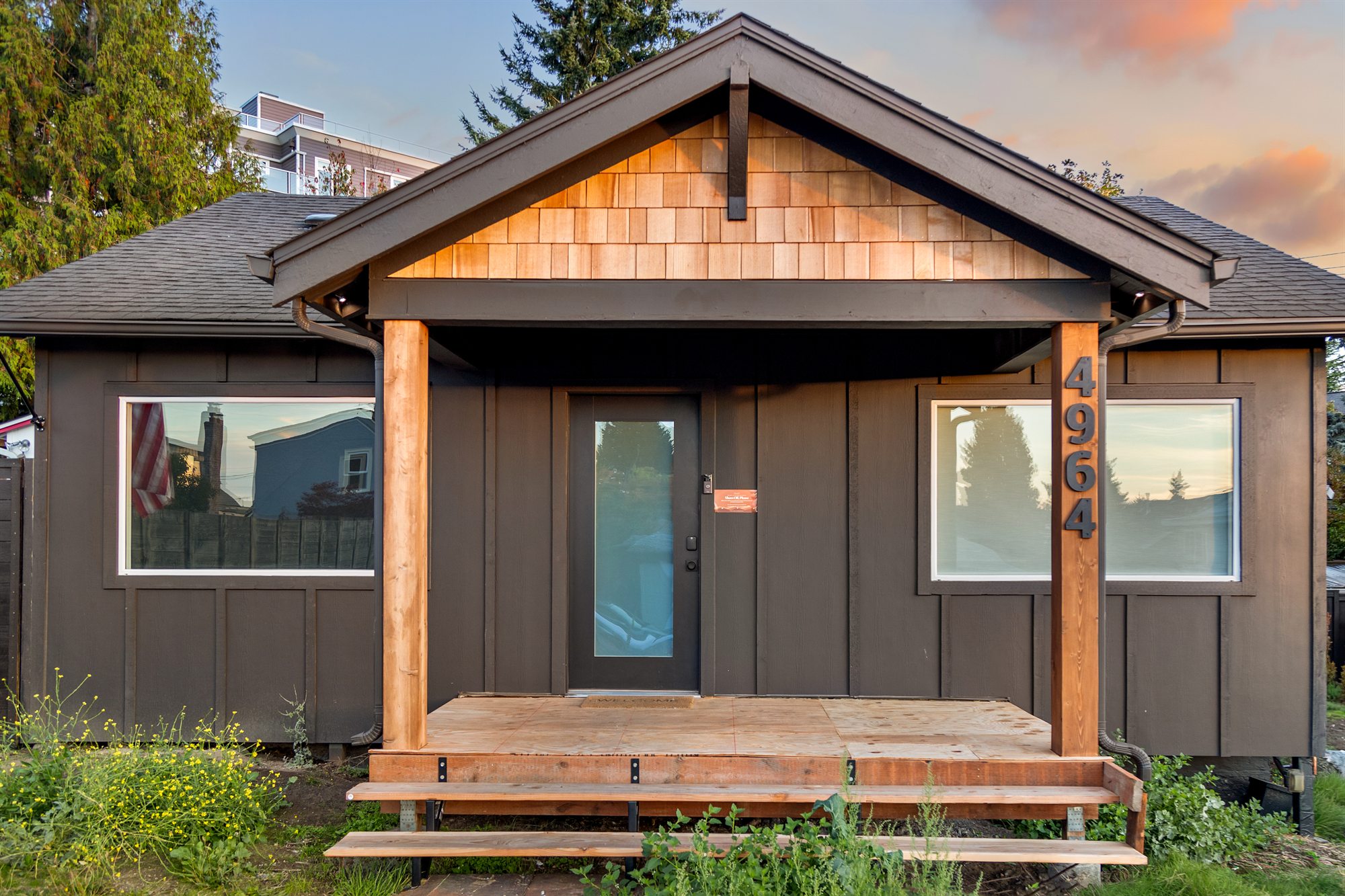
The cover has one job: make a guest stop scrolling. Use the single frame that says what kind of stay this is. For a cozy house, that is often the front at golden hour or a lit-up living room. For a place with a standout amenity, it can be the hot tub or the view. Avoid a bathroom, a close-up detail or a dark frame as the cover; they do not read at thumbnail size.
2The main living space
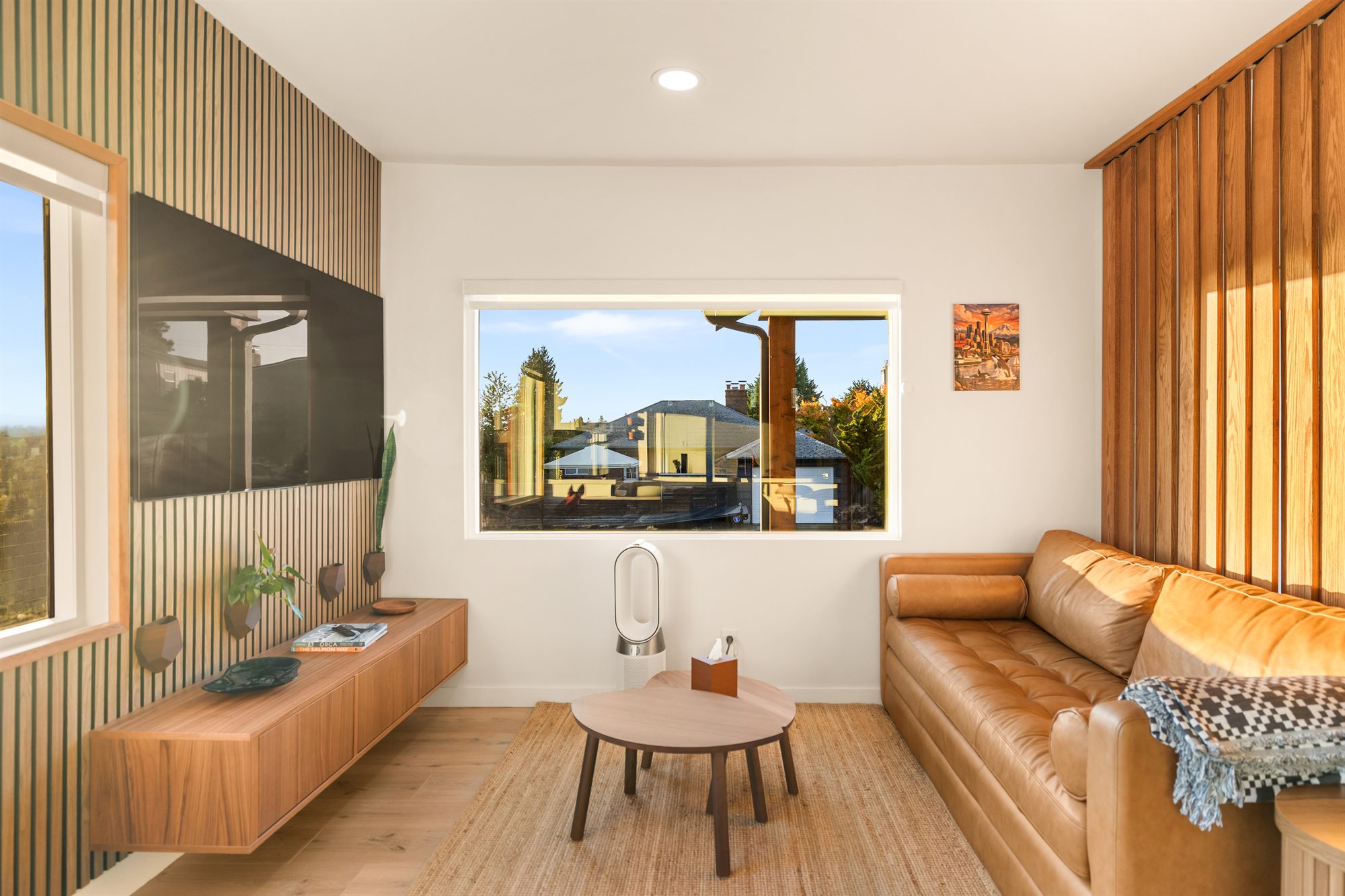
The second photo should show where guests will spend their time together. A wide, bright frame of the living room tells them how much space there is and how it feels.
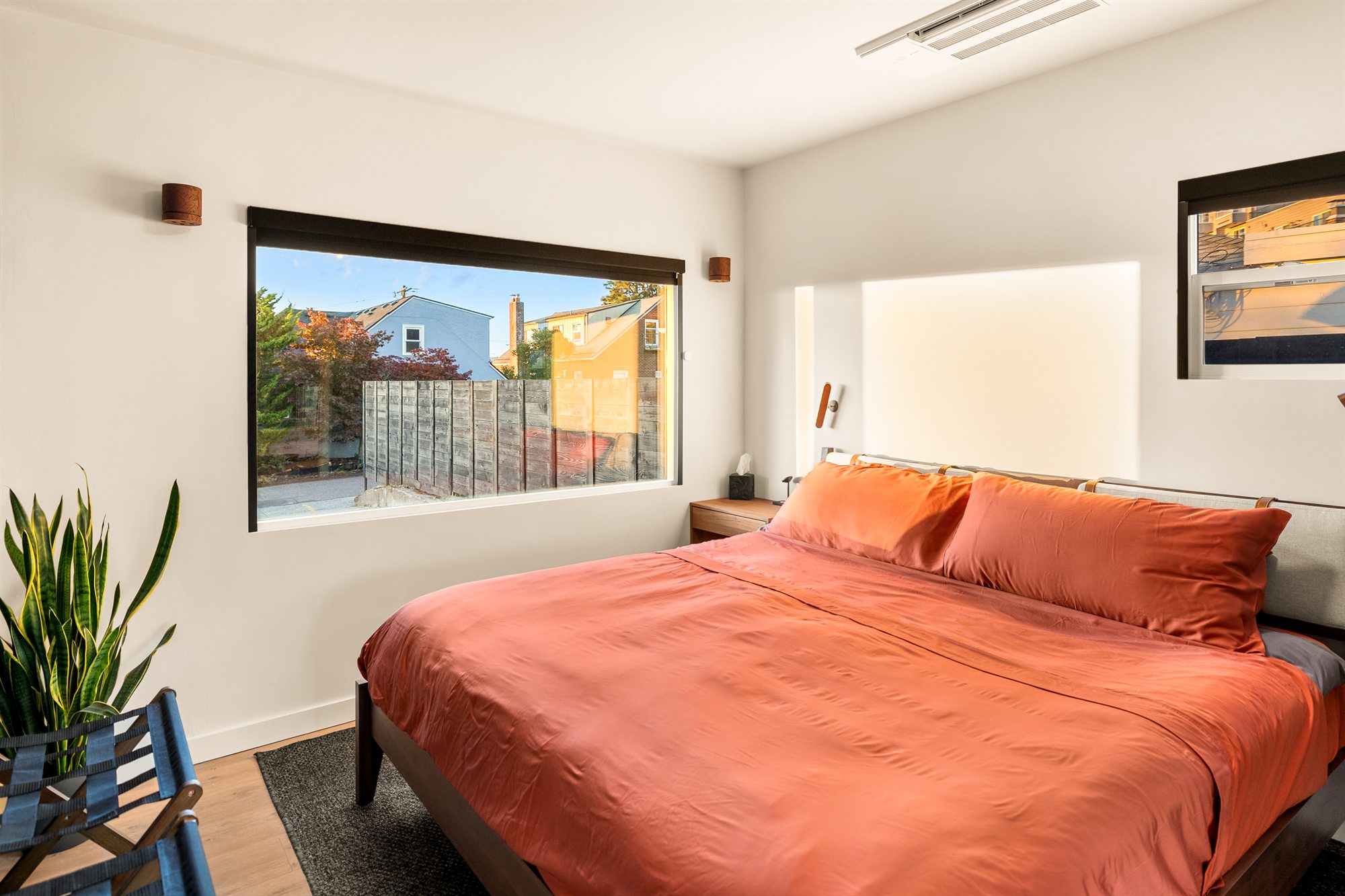
3The bedroom
Guests want to know where they will sleep. Lead with the best bedroom, made hotel-style, with the window and the light.
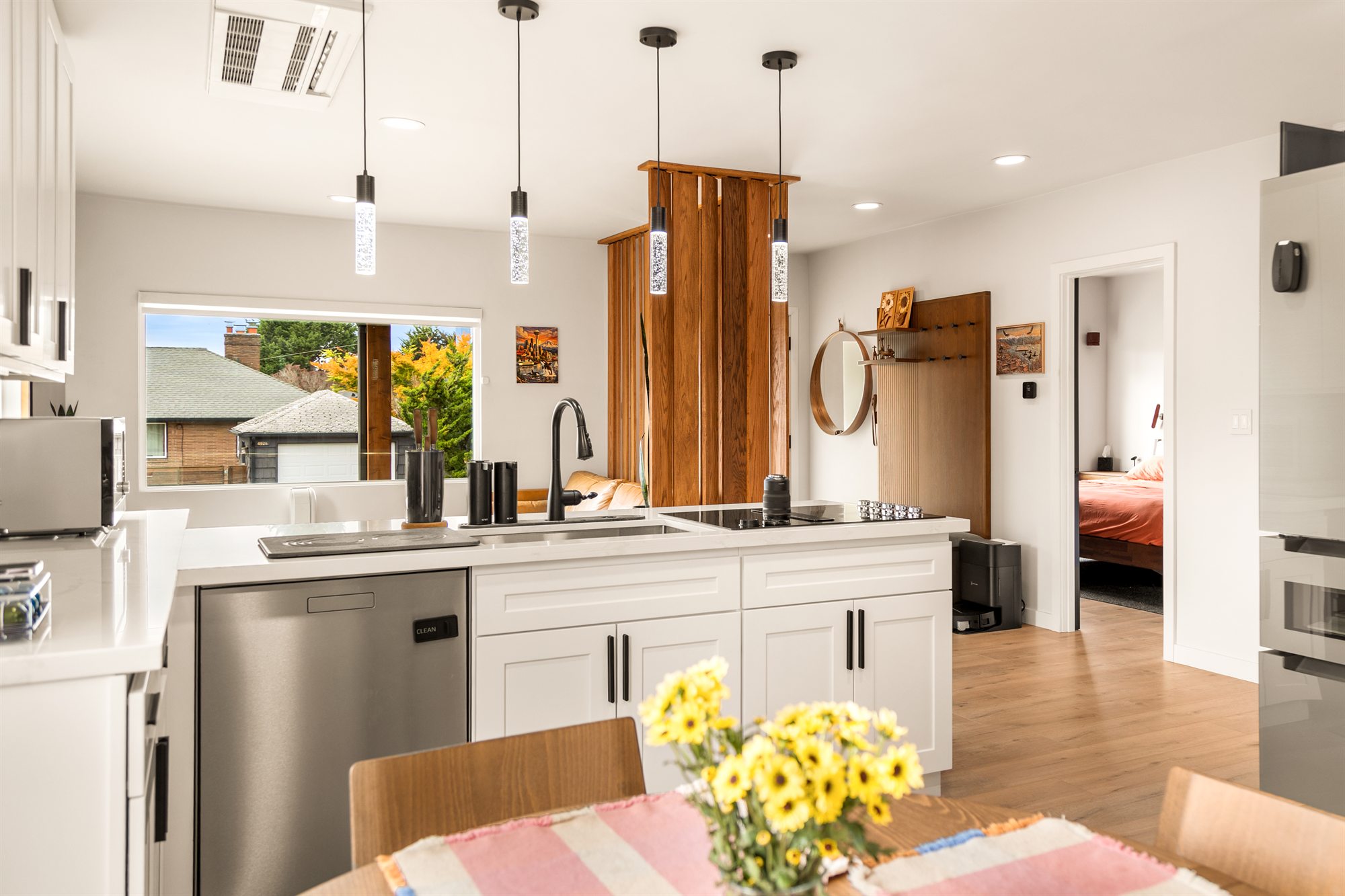
4The kitchen
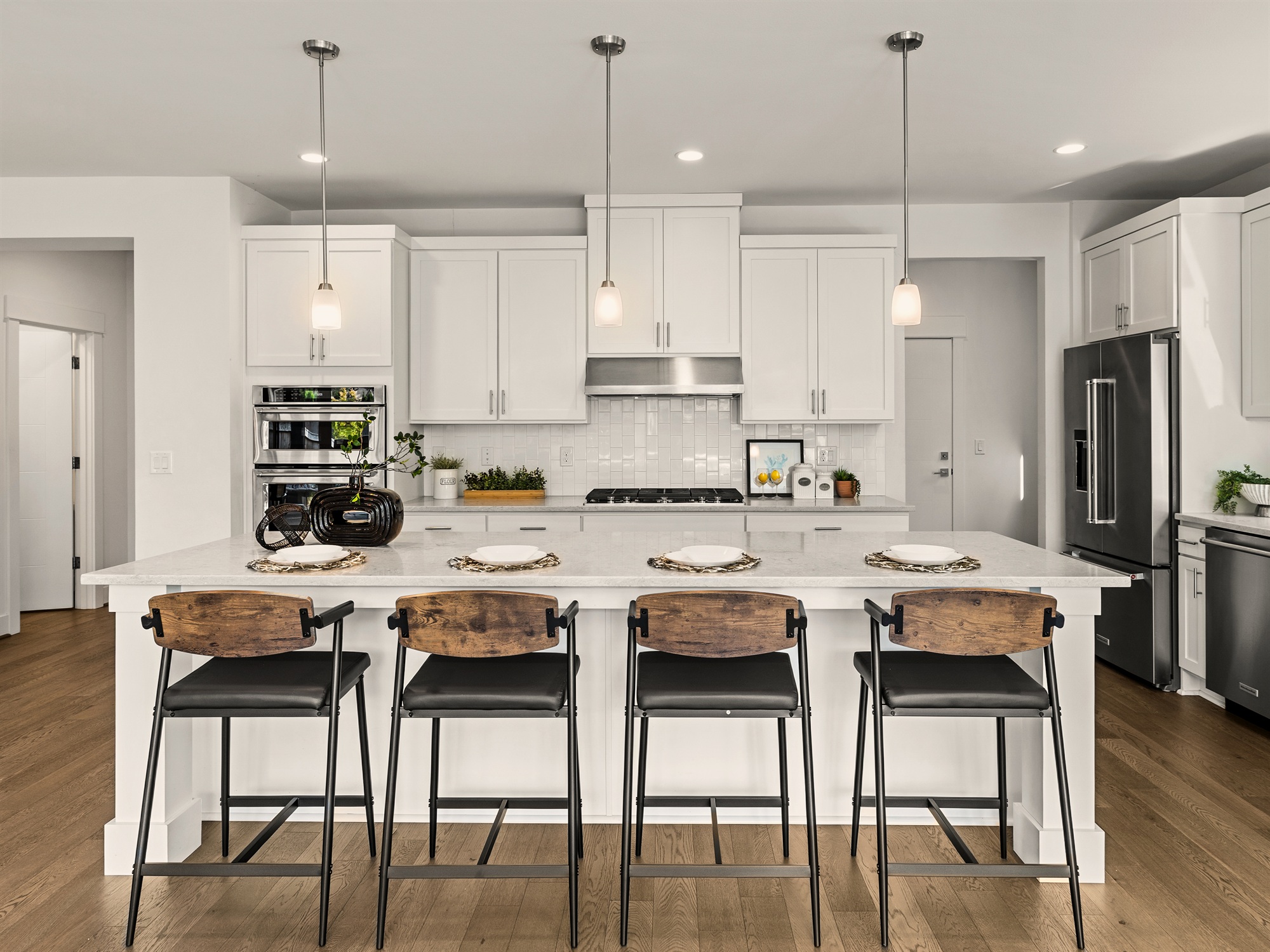
For stays longer than a night or two, the kitchen matters. Show it clean and ready to use, with the counters clear and one natural touch, such as flowers or fruit.
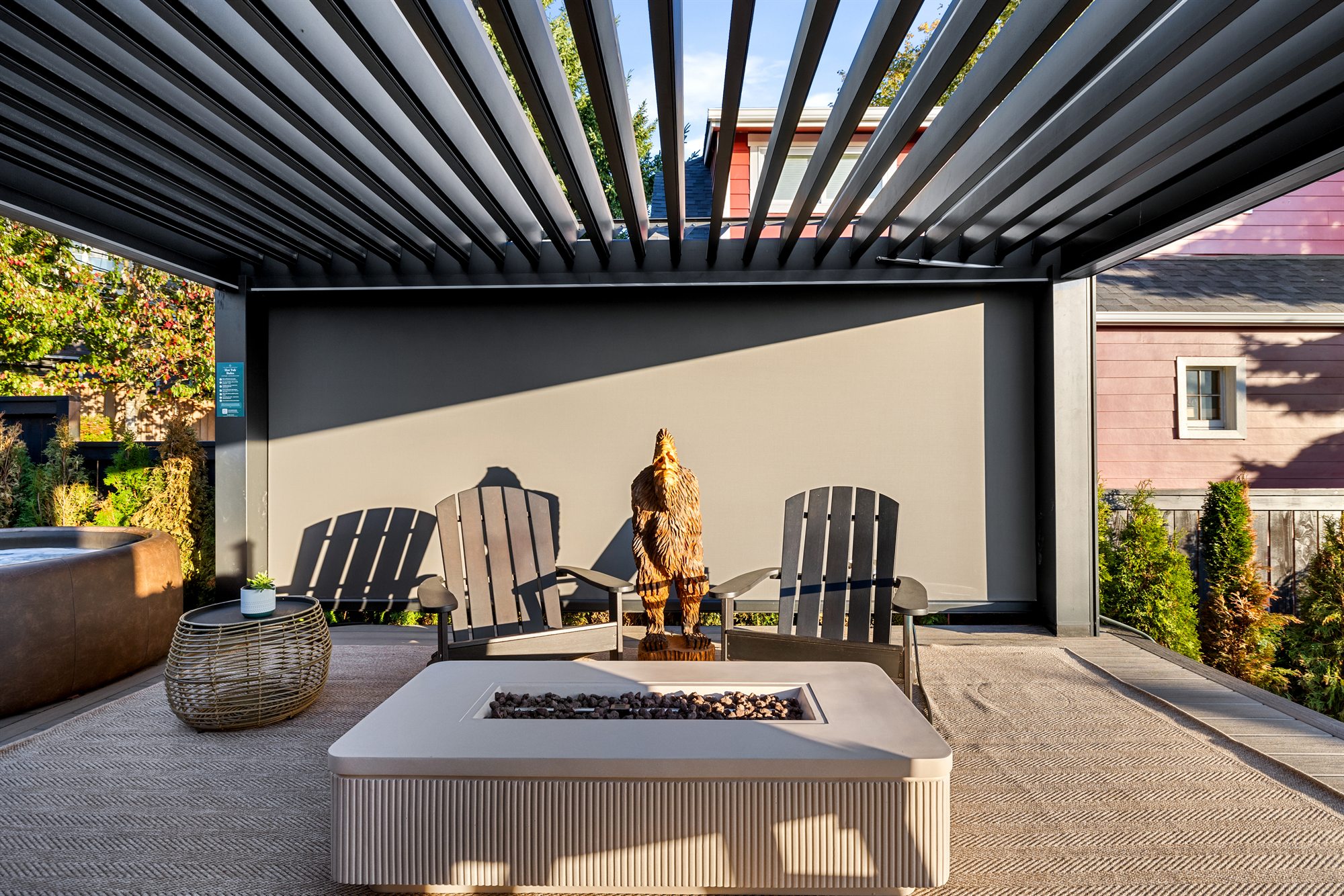
5The amenity that sets you apart
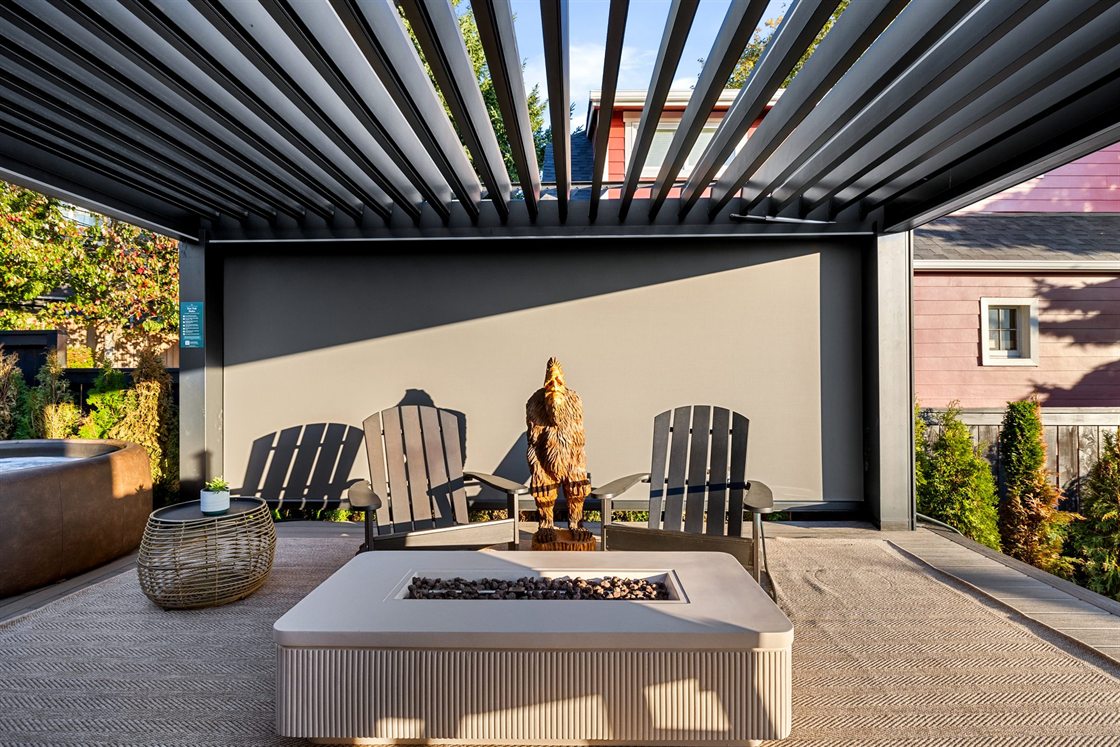
The fifth spot goes to whatever guests cannot get at the place next door: the hot tub, the fire pit, the view, the game room. At The Junction Retreat, that is the backyard, with a Softub under a louvered pergola and a fire table a few steps away.
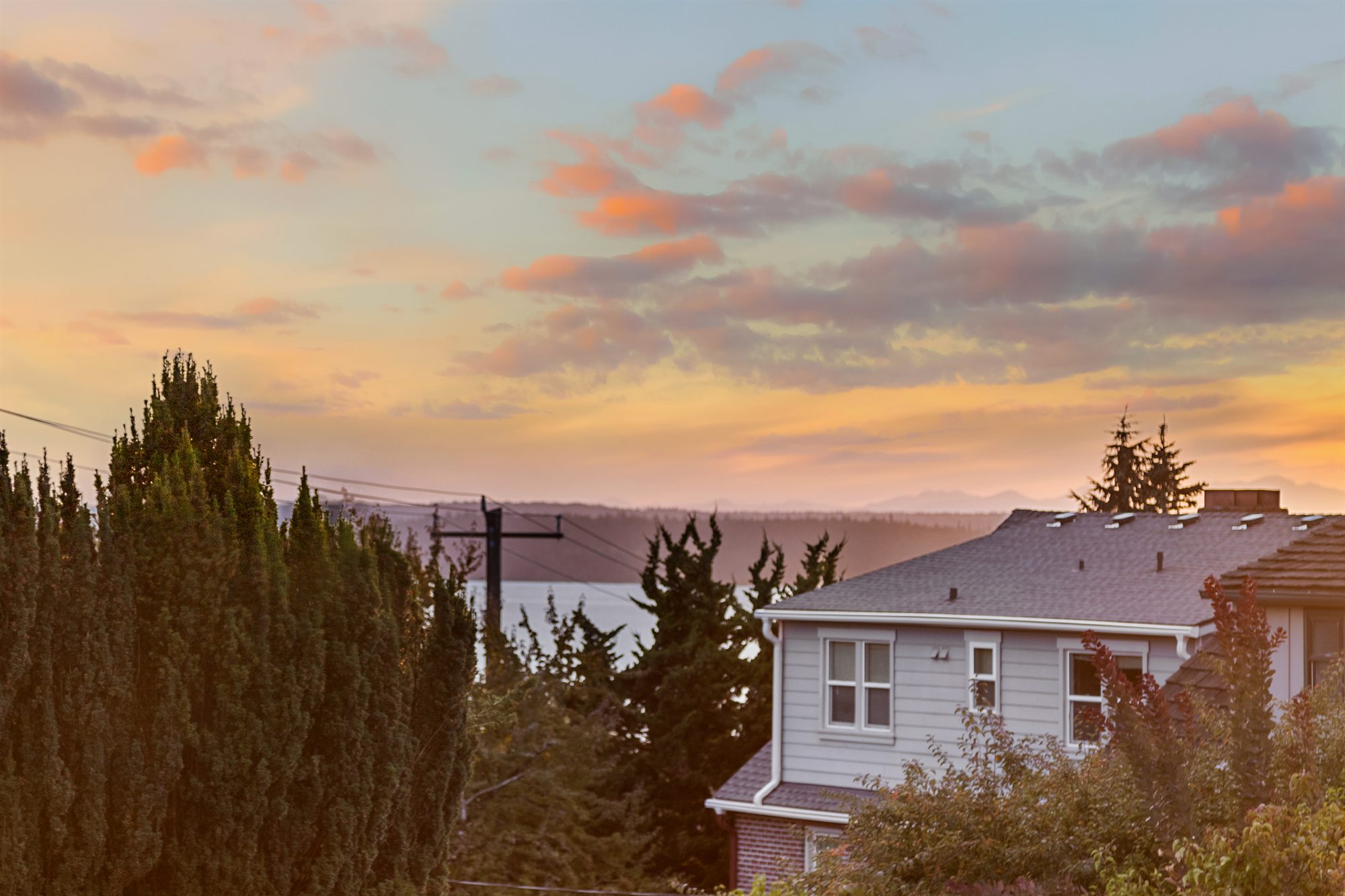
After the first five
Then the photos follow the stay, the way a guest walks through it: arrive, come in, settle, cook, sleep, wash up, unwind outside, and the last light of the day. Every amenity in your listing gets its own clear frame along the way, because guests filter for them. A strong closing photo, like a sunset view, is worth saving for the end.
Quick checklist
- Cover: one bright frame that says what kind of stay this is.
- Photos 2–4: living space, best bedroom, kitchen.
- Photo 5: the amenity that sets you apart.
- After that: follow the stay, one clear frame per amenity.
- Retire old phone photos once the new set is up.
You can see the whole Junction Retreat set, in order, on the Airbnb page. To get your rental ready for the shoot, use the host prep checklist.