Guests decide fast. They see a cover photo in search, tap in, look at the first handful of images, and either keep scrolling or move on. Your photos have one job: make that decision easy.
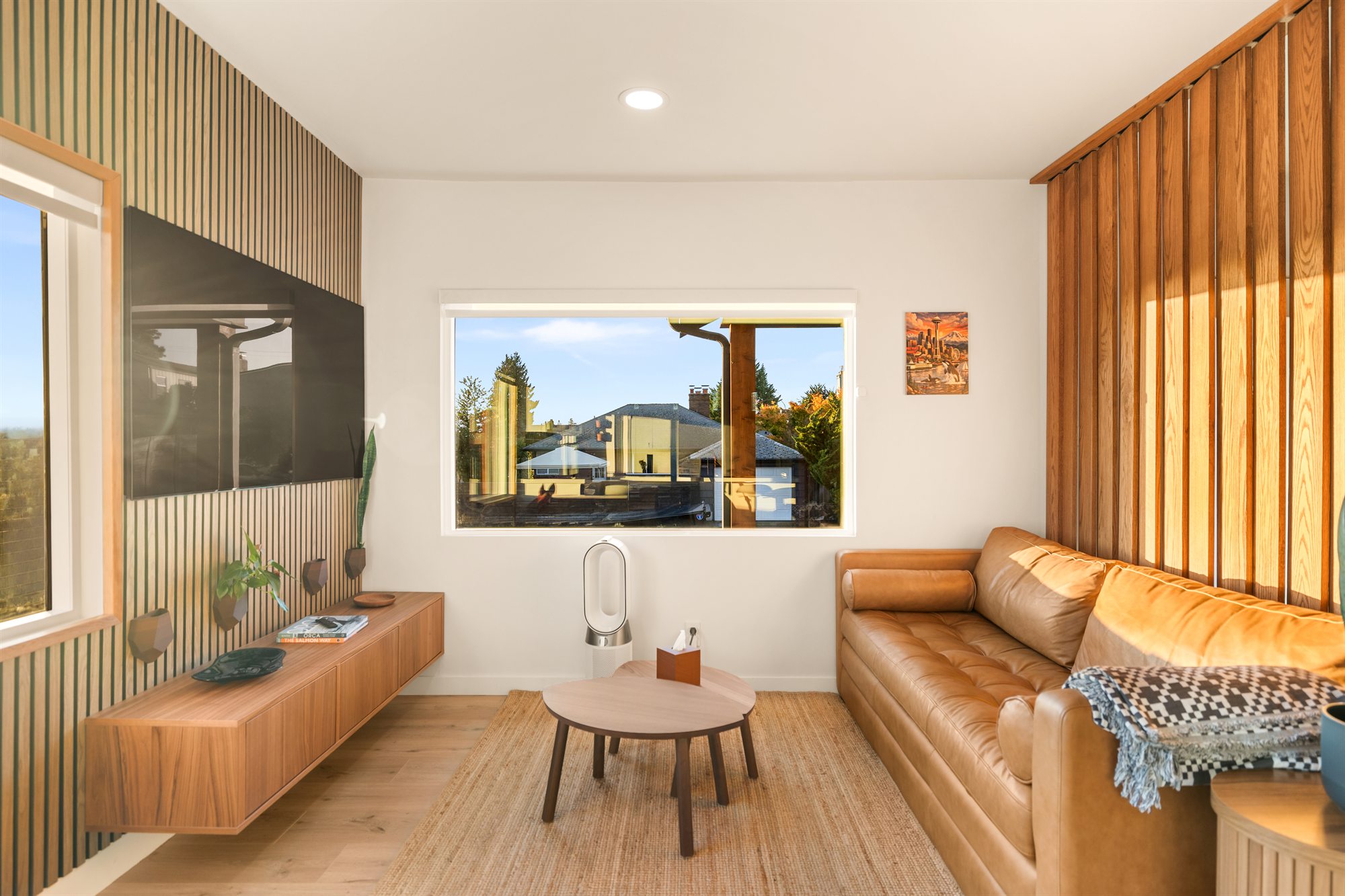
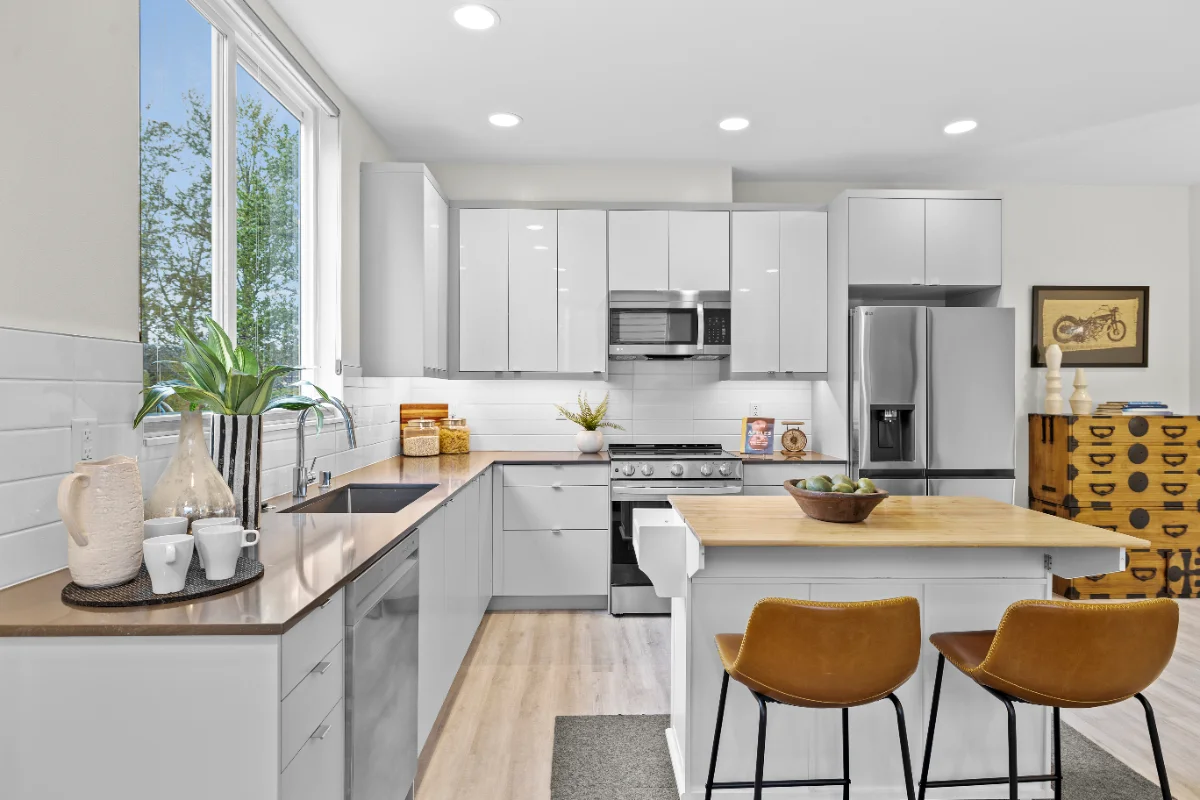
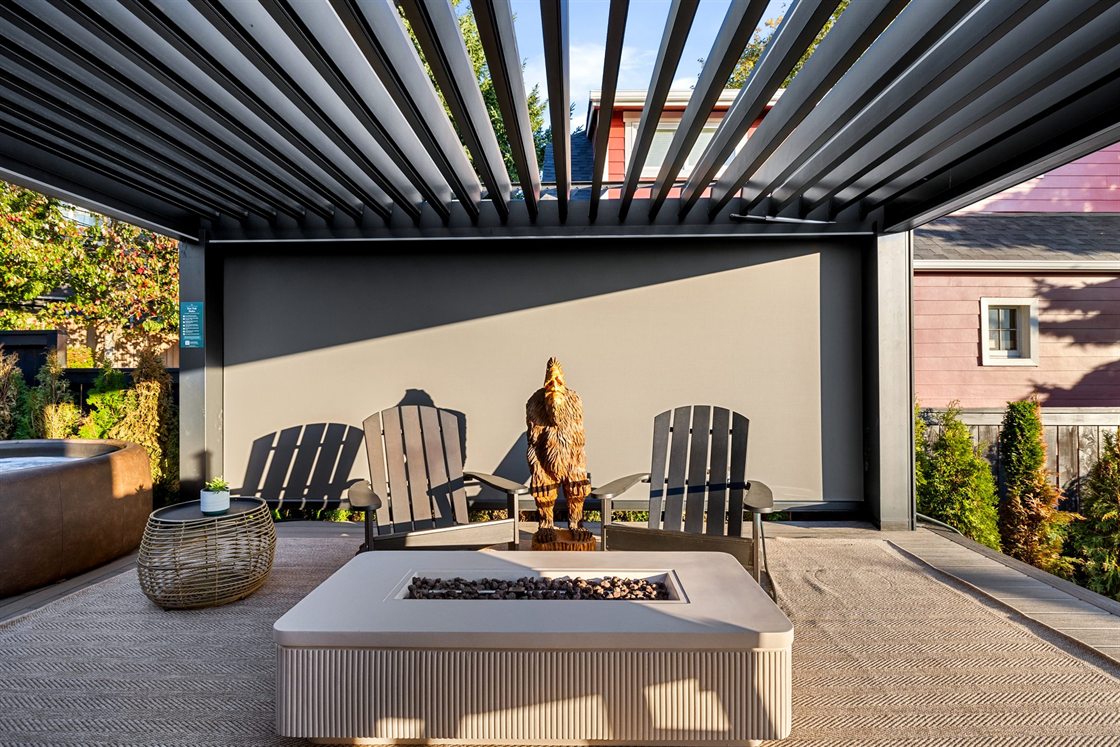
I recently photographed The Junction Retreat, a short-term rental in West Seattle with a backyard built for guests: a Softub, a fire table, a grill, even a pet wash station. Here's what I did there, and what I'd tell any Seattle host to do, whether you hire me or shoot it yourself.
1. Pick the cover photo on purpose
The cover is the only photo most people ever see. It should show the single thing that makes your place different, not the front door by default. For the Junction Retreat, that's the backyard. For a downtown condo it might be the view. Ask yourself what a guest would describe to a friend, and lead with that.
2. Make the first five tell the whole story
On the listing page, Airbnb shows the cover and four more photos before a guest has to open the full gallery. Treat those five as a summary: the standout feature, the main living space, the kitchen, the best bedroom, and the outdoor space or view. Everything after that is supporting detail.
3. Put the rest in walking order
After the first five, order the photos the way someone would walk through the home: entry, living room, kitchen, dining, bedrooms, bathrooms, outside. A gallery that jumps from bathroom to patio to bedroom feels smaller and more confusing than the house really is. That's why I deliver every Airbnb shoot with the files numbered in listing order. You upload them as they come.
4. Photograph every amenity guests filter for
If guests can filter for it, give it its own photo: hot tub, fire pit, grill, workspace, washer and dryer, parking, the coffee setup. One clear frame per amenity beats a wide shot where it's somewhere in the background. At the Junction Retreat the Softub, the fire table and the grill each got their own images, plus a wider one showing how they sit together.
5. Work with Seattle light, not against it
We get a lot of flat gray days. That's fine for interiors: soft light means no harsh window glare. Turn on every lamp, open every blind, and let the warm interior light do the work. For exteriors, the hour around sunset is worth planning for. A house with its lights on against an evening sky looks like somewhere you want to arrive.
6. Prep like a guest is checking in
- Make the beds tight and matched. Bedding is half of every bedroom photo.
- Clear the counters, then put back two or three things on purpose.
- Hide cords, remotes, trash cans and cleaning supplies.
- Stage the amenities: towels by the hot tub, the fire table lit, cushions out.
- Replace any burnt-out or mismatched bulbs.
7. Think past the listing
Listing photos are horizontal. Instagram and TikTok are vertical. If you want your place seen outside Airbnb, get a few vertical frames and a short reel on the same visit, and add drone photos if the location is part of the appeal. It costs far less to capture everything at once than to come back for it.
When to hire it out
You can do a lot of this yourself. Where a professional shoot earns its cost is in the parts a phone struggles with: bright windows and dark rooms in the same frame, straight vertical lines, consistent color from room to room, and aerials. If that's where your current photos fall short, see the Airbnb packages and the full Junction Retreat showcase.